✍️ Lauren Whitaker · Updated May 2026
What’s in Your Phone?
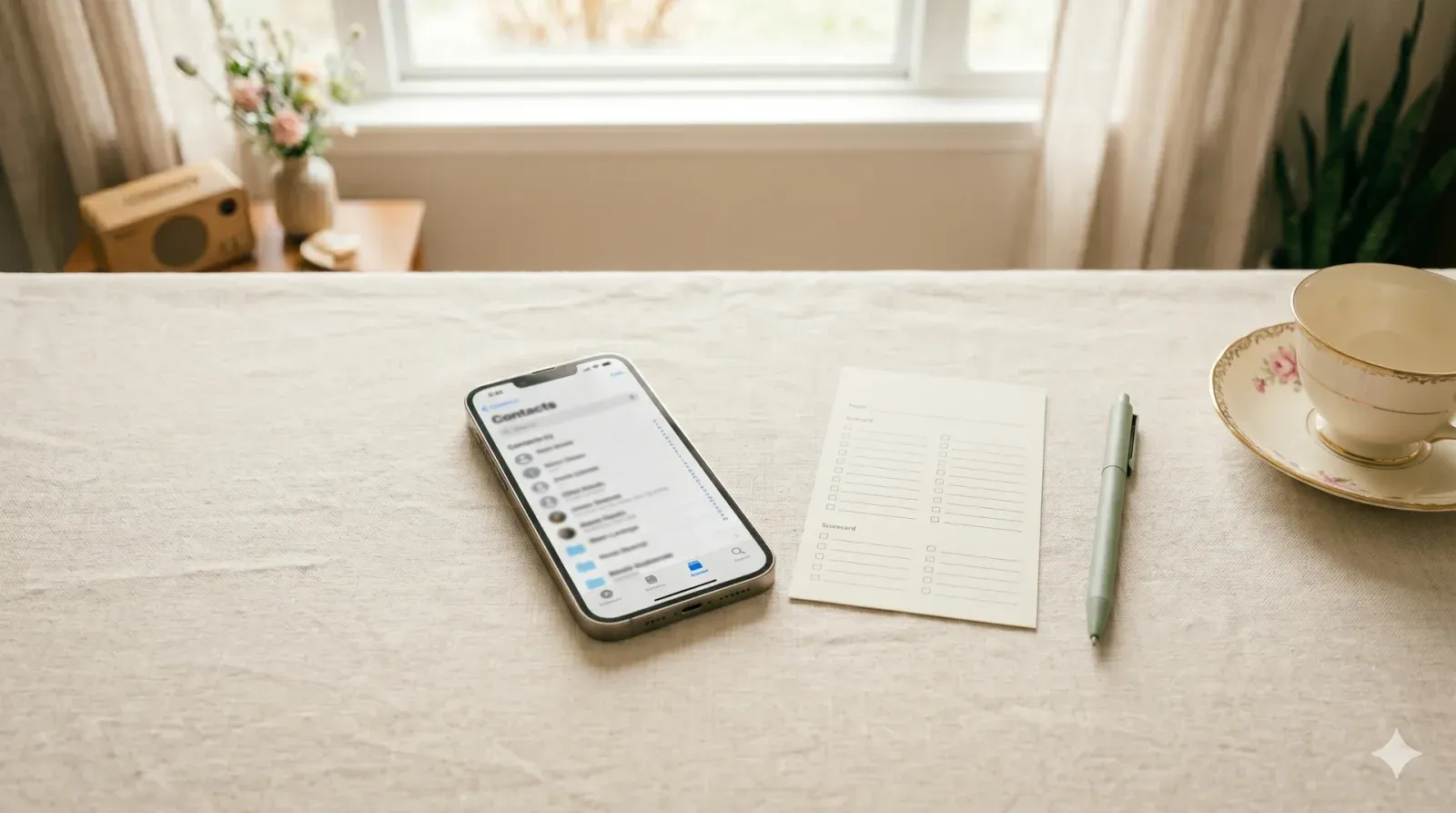
Hand out a printed list of fifteen baby-themed photo prompts. Guests dig through their own camera rolls trying to find a match for each one. Most checks at the end wins and you'll be surprised what people find.
- 🍷 Coed-friendly
- 🧊 Icebreaker
- 🤝 Low-pressure
- 📹 Works on Zoom
- ⏱ Prep
- 15 min
- 👥 Best for
- Any size
- 🍷 Coed
- Yes
- 📹 Virtual
- Works on Zoom
What you'll need
- A printed checklist with 12–15 "do you have a photo of…" prompts, one per guest design it free in Canva and print at home
- Ballpoint pens a 10-pack from Amazon runs about $5
- A phone timer or a stopwatch host's phone works fine
- A judge's master sheet for tiebreaker calls gets handed to the mom-to-be
- Cardstock if you want the checklists to hold up Michaels sells a 50-pack for around $8
- A named prize like a $25 Amazon gift card or a Bath & Body Works lotion-and-soap duo
Before the shower (setup)
- A week or two before the shower, write your photo checklist. The goal is fifteen prompts that range from easy to nearly impossible mix is everything. Easy starters (a sunset, your shoes from above, a coffee cup, a pet, a houseplant) get every guest off to a five-checked-boxes head start. Shower-themed prompts (a baby photo of you, a friend who's pregnant, a stroller in the wild, a pacifier, baby clothing in a store) pull the theme through. Then two or three brutal ones (a photo of you holding a newborn, you and the mom-to-be in the same frame, a photo from the year the mom-to-be was born) decide the winner. Fifteen prompts is the sweet spot twelve feels thin, twenty drags.
- Design the checklist in Canva (free baby-shower templates take ten minutes) or just type it up in a Google Doc with checkboxes down the left margin. Title it "What's in Your Phone?" so guests don't open it confused. One page per guest. Print on cardstock if you've got it ($8 for a 50-pack at Michaels) flimsy printer paper crumples while guests scroll. Keep a master copy for yourself with rough "does this count?" rules in case guests start asking.
- On shower day, set the checklists and pens out on a side table next to the food. Hand them out after guests have settled with a drink usually right before or right after appetizers. Tell the mom-to-be before guests arrive that she's the tiebreaker judge for close-call photos ("does this count as a stroller? It's technically a jogging stroller") because half the fun is the back-and-forth at scoring time.
How to play
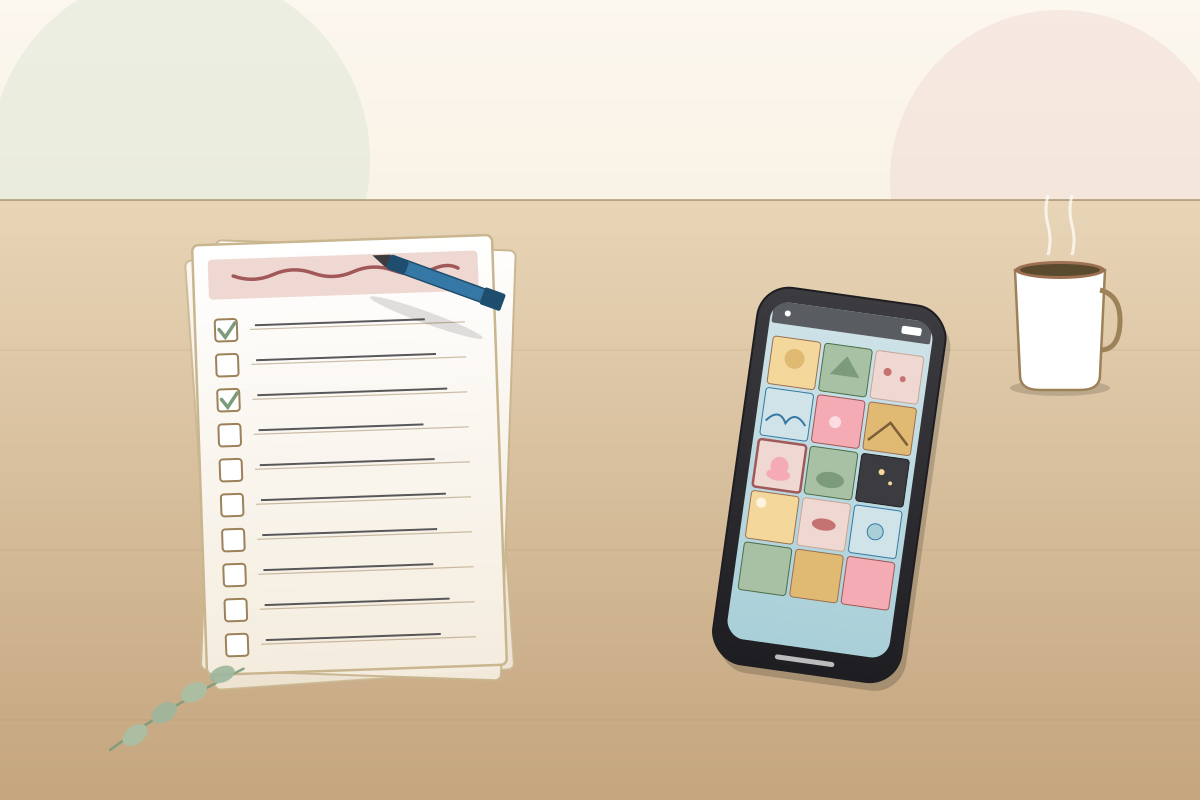
Gather everyone in the main room with their phone and checklist. Read the rule out loud "You've got ten minutes to find a photo on your phone that matches each prompt. Check the box when you've got one. No staging new photos. No Googling. Only what's already in your camera roll." Start a ten-minute timer on your phone and call it. People dive in immediately. The room gets quieter than you'd expect everyone's scrolling.
Walk around with the master sheet while guests play. People will ask questions: "Does my niece count as a baby?" "Is a screenshot of a baby OK?" "This is a dog in a stroller does that work?" Be loose on the loose ones ("yes, your niece counts; a screenshot is a maybe; the dog gets half a point") and let the mom-to-be settle the bigger calls. Some guests will share their finds with their neighbor encourage it. The cross-table "oh my god, look at this one of my mom in 1992" moments are why the game works.
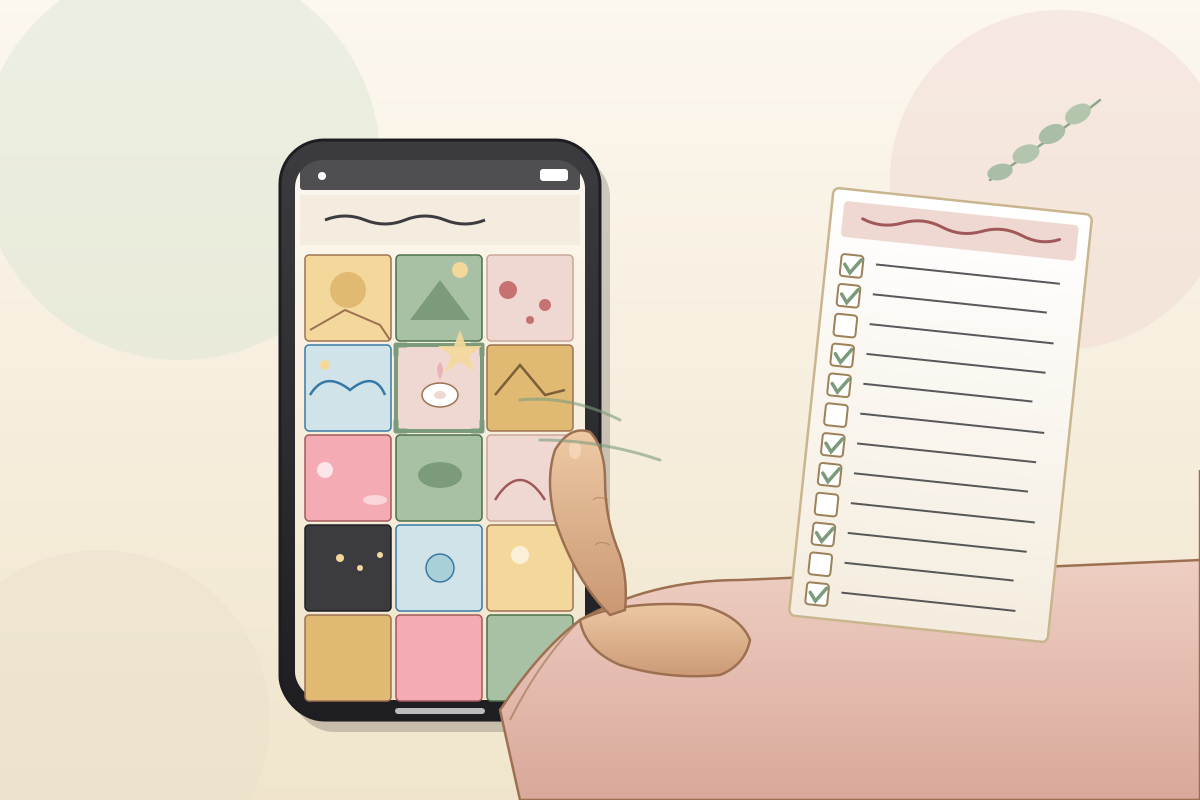
When the timer hits zero, call time and have everyone count their checked boxes. Most checks wins. For a tiebreaker, look for the rarest checked prompt whichever prompt fewest guests got, the tied guest who found that one takes it. Hand the prize over right then, and walk the room asking the winners (and a few losers) to show one favorite photo. That moment is the social currency of the game guests are still talking about "that picture Linda found" two showers later.
Variations to try
- Show on the TV. Each guest casts their phone to a TV one at a time and shows their best three photos. Slower; way more shared moments and laughs. Best for a smaller shower (under fifteen guests) where everyone wants to share.
- Recent photos only. Photos must be from the last week, month, or year. Adds difficulty and pushes guests past their old reliable shots. Good for younger guests who scroll their camera rolls daily.
- Themed rounds. Run three short rounds with different themes travel photos, family photos, food photos instead of one long mixed round. Each round is its own three-minute scramble. Faster pace, more variety.
- Story-prompt version. Each photo prompt is paired with a story prompt "show a photo of a vacation and tell us about it." Slower, more sentimental, and the mom-to-be loves the storytelling angle. Skip the timer and run it as a circle game.
- Zoom version. Share the checklist in the Zoom chat or screen at the start of a video shower. Guests search their phones and shout "got it!" for each prompt the host or a co-host ticks them off live. Works just as cleanly as in-person; the social part shifts to the chat window.
Pro tips from hosts who've actually run this
- Mix the difficulty. Three easy prompts get every guest started; three brutal ones decide the winner. A flat-difficulty list ends in a fifteen-way tie.
- Skip anything embarrassing. The point is fun searching, not exposing private moments no "last selfie," no "your messy text thread." Keep it neutral.
- Ten minutes is the right timer. Five feels rushed; fifteen drags and guests start checking emails.
- Hand the mom-to-be a master sheet with answer notes. She'll be the tiebreaker judge and the questions come fast.
- Print the checklist on a postcard-sized card if you can. Easier for guests to hold in one hand while scrolling with the other.
- Pair with [[baby-shower-photo-booth-bingo]] for a longer phone-themed games block if your shower has a quiet middle hour to fill.
- Add one bonus prompt at the bottom "the funniest photo on your phone right now" and award a $5 Starbucks card to the guest who shows the best one. Side prize for the side laughs.
Common mistakes to avoid
- Picking only easy prompts. If every guest checks all fifteen boxes, there's no winner and the game has no resolution.
- Running it without a timer. Without a deadline, guests scroll for thirty minutes and the round dies.
- Adding embarrassing prompts. "Your most recent selfie" or "a screenshot of a fight you had" makes guests freeze up keep the prompts friendly.
- Forgetting to set a tiebreaker rule before you start. When three guests tie at thirteen checks, you'll be making up rules on the spot.
- Skipping the show-and-tell moment at the end. The whole point is the social bit make at least three winners hold up one photo and explain it before you move on.
Best prize for this game
A $25 Amazon gift card is the perfect fit for this game most guests already shop there and it suits the "phone-themed" feel. Bath & Body Works' lotion-and-soap duo (around $20) works for any crowd. A $20 Starbucks gift card lands well with the morning-coffee-scroller crowd. For an over-21 shower, a small bottle of wine from Trader Joe's. Whichever prize you pick, mention it by name when you start the round "the winner walks home with this $25 Amazon card." "A small surprise" gets zero competitive energy from the room.
Our verdict
Everyone already has a phone in their hand at a shower might as well make it competitive. The game runs itself, sparks great side conversations, and works just as well over Zoom.
What’s in Your Phone? FAQ
How many prompts should be on the checklist?
Twelve to fifteen. Less than twelve and the game's over in three minutes. More than fifteen and guests stop searching by item twelve anyway. Fifteen is the sweet spot five easy, seven medium, three nearly impossible.
What if a guest doesn't have a smartphone?
Pair them with another guest as a team both check each other's phones for matches. Or skip their participation gracefully and give them a small consolation snack. Not every game has to work for every guest.
Is this game safe for older relatives who might find embarrassing photos?
Yes, as long as your prompts stay friendly. Skip prompts like "your last selfie," "a screenshot from a fight," or "a photo of you partying." Stick to neutral ones like sunsets, food, and old vacation shots and the round runs clean.
How long does the game take?
About fifteen to twenty minutes total ten minutes of searching, five of judging close calls, and another few minutes for the show-and-tell at the end. Plan it as a mid-party round, not an opener.
Can this game run virtually?
Yes it's actually one of the cleanest Zoom games. Share the checklist on screen at the start. Guests search their phones and shout "got it!" or drop a number in the chat for each match. The host ticks them off live. Works for groups of any size on a video call.
What are some good prompt ideas?
Easy: a sunset, your pet, your shoes from above, a coffee cup, a houseplant. Medium: a stroller, a baby photo of you, a friend's wedding, a kids' birthday party. Hard: you holding a newborn, you and the mom-to-be in the same frame, a photo from the year she was born, a photo of your hands holding a tiny shoe.
Similar baby shower games
-
What’s in the Diaper Bag? →
Stuff a diaper bag with ten to fifteen baby items. Guests reach in, feel one item at a time, and scribble what they think it is. No peeking, no asking the room, no second guess.
-
Who’s That Baby? (Guest Photo Match) →
Every guest sends in a baby photo of themselves with the RSVP. You display them on a numbered board at the shower, and guests scribble down which baby they think matches which adult in the room. Most correct wins and the board ends up being the keepsake of the day.
-
Emoji Baby Pictionary →
Baby songs, movies, books, and nursery rhymes written entirely in emoji. Guests decode each line and write what they think it spells out. Most correct wins and the wrong answers are usually funnier than the right ones.
-
Baby ABCs →
Twenty-six letters down the left side of a single sheet. Ninety seconds on the clock. Write one baby-related word that starts with each letter Q, X, and Z are where the whole room collapses laughing.
Browse by category
About the author
Lauren Whitaker is the founding editor of Best Baby Shower Games. A former Minneapolis event coordinator and mom of two, she has planned, hosted, or guested at more than 40 baby showers over the past decade. Every game on the site is one she has tested at a real shower before it earns a spot.