✍️ Lauren Whitaker · Updated May 2026
Songs With "Baby" in the Title
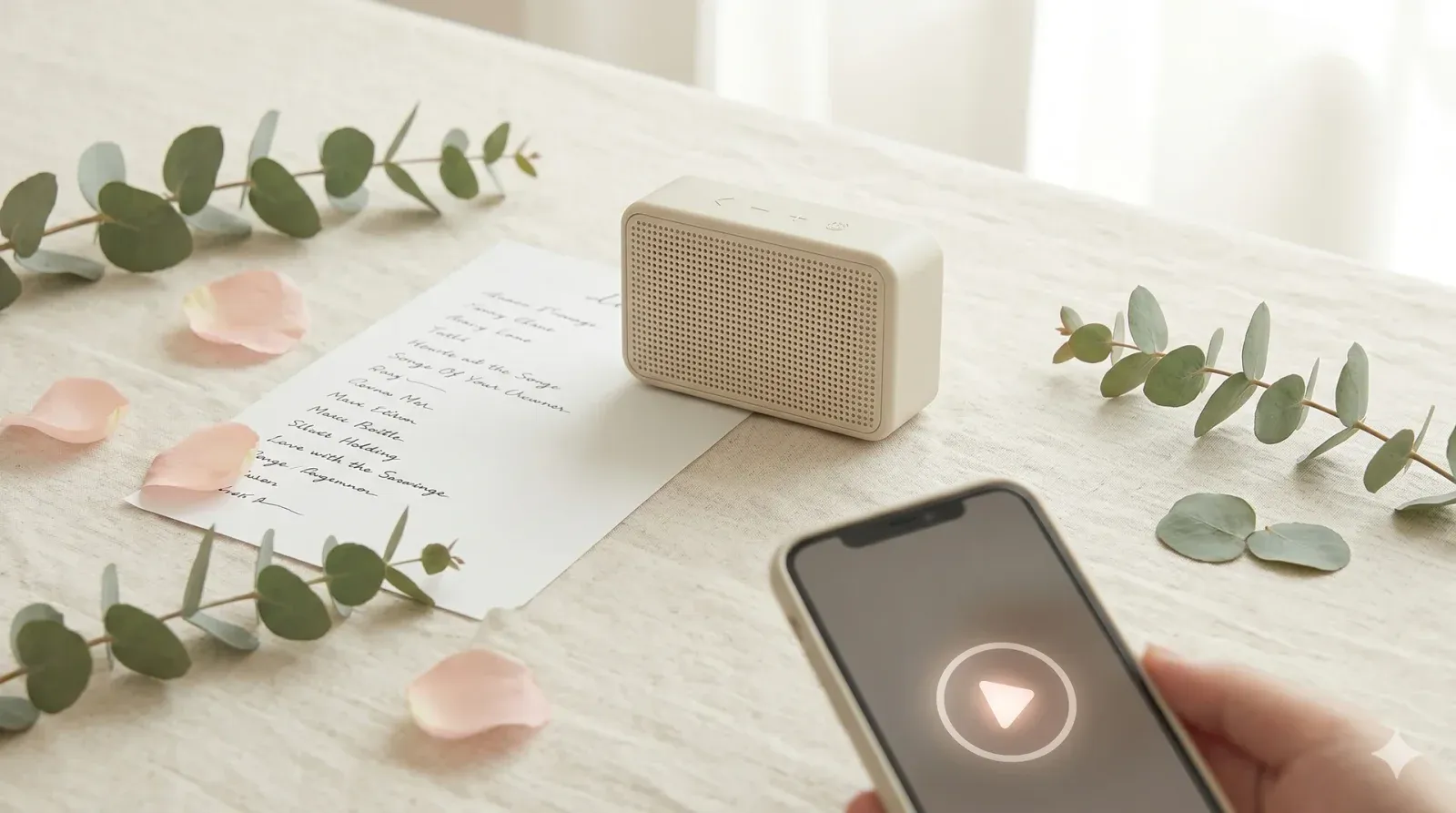
A pre-built playlist of 15–20 song clips with "baby" in the title from The Supremes to Justin Bieber. Play 10 seconds of each. Guests write the song title and artist. The boomers crush the 70s clips and the millennials nail Bieber's "Baby" every decade wins something.
- ✅ Crowd-pleaser
- 🤝 Low-pressure
- ⏱ Prep
- 30 min+
- 👥 Best for
- 8–30 guests
- 🍷 Coed
- Yes
- 📹 Virtual
- Works on Zoom
What you'll need
- A Bluetooth speaker (JBL Clip, Anker Soundcore, or any household speaker ~$25)
- A Spotify or Apple Music playlist of 15–20 songs with "baby" in the title (free to build)
- Printed answer sheets numbered 1–20 one per guest
- A pen for every guest
- A 10-second timer cue (your phone stopwatch)
- A small prize for the highest score ($20 gift card, candle, or wine bottle)
Before the shower (setup)
- A week before the baby shower, build the playlist on Spotify or Apple Music (both let you pause/resume at exact seconds; avoid YouTube because of ads and autoplay). Mix decades so every age group has wins: 60s/70s (The Supremes' "Baby Love," Sonny & Cher's "Baby Don't Go"), 80s (Modern English's "Hey Baby," Salt-N-Pepa hits), 90s (Vanilla Ice's "Ice Ice Baby," Britney Spears' "Baby One More Time," Madonna's "Take a Bow"), 2000s (Beyoncé's "Baby Boy," Justin Bieber's "Baby"), 2010s and beyond (Camila Cabello, contemporary picks). Aim for 15–20 total. Search "songs with baby in the title" on Spotify for a starting playlist.
- Pre-cue each song to its most recognizable 10-second clip. For most songs that's the chorus opening, not the intro. Mark each cue point in your phone notes so you can jump to it quickly during the game. Test the playlist out loud the day before make sure each clip is identifiable.
- Print answer sheets numbered 1 through your final count with TWO blanks per row (one for song title, one for artist). Award separate points for each so guests who get the song but not the artist still score something. Set up the speaker on a side table near the seating area. Have the prize visible a $20 Spotify or Apple Music gift card is perfectly on-theme.
How to play
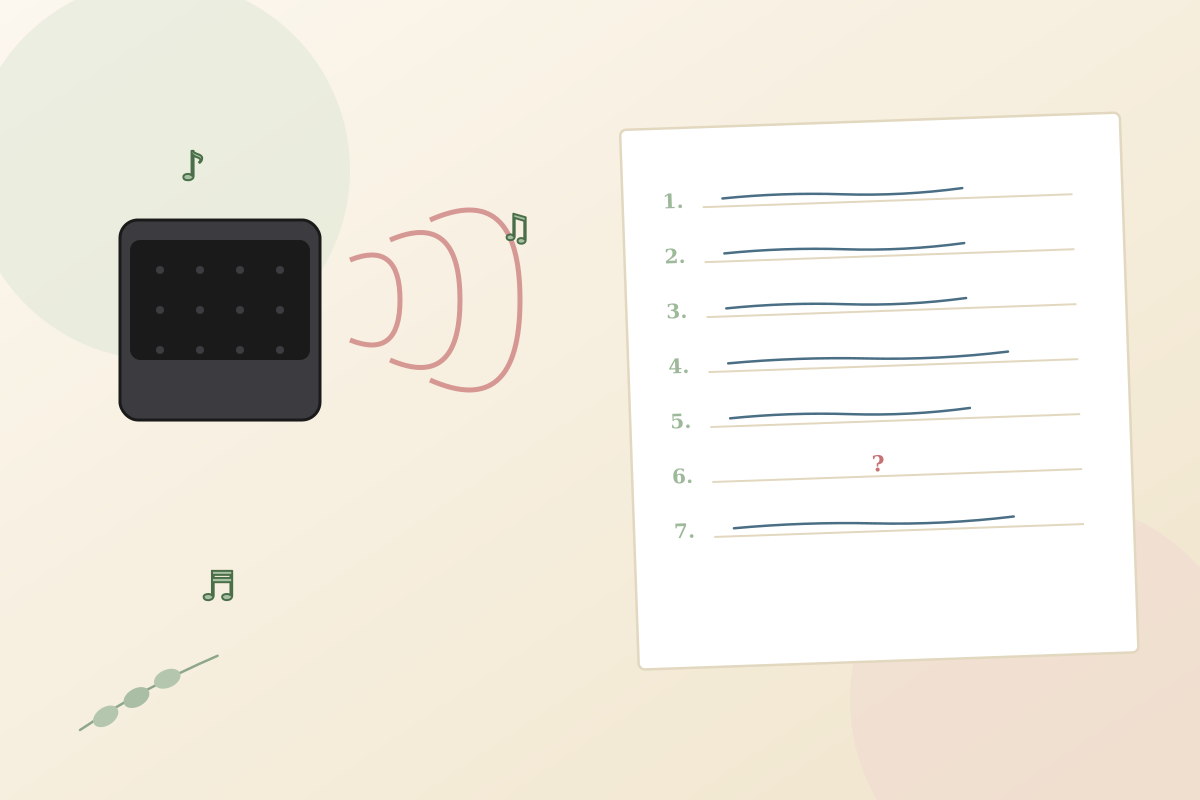
Gather guests in a circle or U-shape around the speaker usually as a closing high-energy round after gifts. Read the rules out loud: "I'm playing 10 seconds of each song. Write down the song title AND the artist. Both score points. We play 15 to 20 songs. Highest score wins." Start the first clip and time it exactly 10 seconds on your phone stopwatch.
Play through each song's 10-second clip. After each clip, give 15 seconds for guests to write before moving to the next. Don't reveal answers between clips the reveals come at the end. The room gets louder around clip 6 as guests start whisper-shouting their guesses to themselves and laughing at wrong recognitions.
After all 15–20 songs are played, go back and reveal each one read the title and artist out loud while playing the clip again briefly. Guests check off their correct answers (1 point song, 1 point artist). Tally scores. Highest count wins. If two people tie, the tiebreaker is the most obscure song on the playlist closer answer takes it. Hand the prize. Share the playlist with the parents afterward.
Variations to try
- Decade rounds. 5 clips per decade 70s, 80s, 90s, 2000s. Score each decade separately so older guests win some rounds and younger ones win others. Levels the field for mixed-age baby showers.
- Intro-only (brutal mode). Use the first 3 seconds only. Brutal but hilarious even superfans of a song often can't identify it from the first 3 seconds. Best for music-obsessed crowds.
- Pair with [[name-that-baby-tune]]. Run both as a 30-minute music trivia block. This one for adult songs with "baby" in the title; the other for kid songs and lullabies. Different decades, different vibes, same scoring format.
- Hum-only version. Skip the speaker entirely. The host hums each song for 5 seconds. Cheaper, totally portable, and funnier when the humming is bad. Best for small friend-group showers.
- Zoom version. Share your computer audio via Zoom screen-share (Mac: Share Screen → Advanced → Music; Windows: similar). Guests submit answers in chat or via DM after each clip. Slightly slower than in-person but works.
Pro tips from hosts who've actually run this
- Pre-cue the playlist in airplane mode (download Spotify offline) so streaming hiccups don't kill the momentum mid-game.
- Include the obvious ones Justin Bieber's "Baby" being MISSED is a story guests retell at the parents' first birthday party.
- Print the full song list and email it to the parents it doubles as a road-trip playlist for the next 18 months.
- 10 seconds is the right clip length. 5 seconds is too short for most adults; 15 makes the game too easy.
- Mix decades so older guests can also score. Five 70s/80s songs is the minimum for grandparents to have a real chance.
- Pair with [[name-that-baby-tune]] for a longer music block same format, different song category.
- Use a real Bluetooth speaker, not a phone speaker. 10-second clips need to be clearly audible across a crowded room.
Common mistakes to avoid
- Using only one decade. All 2000s pop leaves grandma blank; all 70s soul leaves the younger crowd blank. Mix.
- Not pre-cueing the clips. Wasting 10 seconds on a silent intro means no one recognizes the song.
- Skipping the artist column. Just-the-title scoring is too easy; adding artist points doubles the strategy.
- Building the playlist on YouTube. Ads and autoplay break the flow. Spotify or Apple Music only.
- Phone speakers instead of a real Bluetooth speaker. Clips need to be clearly audible to the whole room.
Best prize for this game
Match the music theme a $20 Spotify or Apple Music gift card (perfect for the music-game winner), a $20 Target or Trader Joe's gift card, a candle from Yankee Candle, or a bottle of wine for over-21 winners. Wrap it visibly near the speaker so guests see what they're competing for as the first clip starts.
Our verdict
Music-led baby shower games light up rooms even quiet guests start humming. Pair with [[name-that-baby-tune]] for a 30-minute music trivia block where one round is kid songs and the other is pop.
Songs With "Baby" in the Title FAQ
How long should each song clip be?
10 seconds is the standard. Short enough to require real recognition (the chorus or hook), long enough for casual fans to catch it. 5 seconds is brutal; 15 seconds makes the game too easy because most choruses fully play.
How many songs should be on the playlist for this baby shower game?
15 to 20 is the sweet spot. Fewer than 15 and the game ends in 5 minutes; more than 20 and guests stop trying by clip 18. Stick with 15 for older crowds, 20 for younger or music-savvy ones.
Where do I find songs with "baby" in the title?
Search "songs with baby in the title" on Spotify, Apple Music, or YouTube there are dozens of pre-built playlists you can copy. Mix decades from the 60s through today for the widest age appeal.
How long does Songs With Baby in the Title take?
About 12–15 minutes 3–4 minutes of clips, 10 minutes of reveals and scoring. Plan it as a mid-party round or as a closing high-energy game right before guests start leaving.
Can older relatives still play if they don't know modern songs?
Yes if you mix decades. Include 5+ songs from the 70s and 80s (The Supremes' "Baby Love," Bruce Channel's "Hey Baby," Madonna's hits) so older guests have real chances to score. The decade-rounds variation is specifically built for mixed-age crowds.
Does this baby shower game work on Zoom?
Yes see the Zoom variation. Share your computer audio via Zoom screen-share (Mac and Windows both have an audio-share option). Guests submit answers in chat or via DM after each clip. Slightly slower than in-person but the energy is similar.
Similar baby shower games
-
The Price Is Right: Baby Edition →
Line up 6 to 8 real baby products with the price tags hidden. Guests write their guess for each. Closest without going over wins and the mom-to-be takes everything home.
-
What’s in the Diaper Bag? →
Stuff a diaper bag with ten to fifteen baby items. Guests reach in, feel one item at a time, and scribble what they think it is. No peeking, no asking the room, no second guess.
-
Who’s That Baby? (Guest Photo Match) →
Every guest sends in a baby photo of themselves with the RSVP. You display them on a numbered board at the shower, and guests scribble down which baby they think matches which adult in the room. Most correct wins and the board ends up being the keepsake of the day.
-
Emoji Baby Pictionary →
Baby songs, movies, books, and nursery rhymes written entirely in emoji. Guests decode each line and write what they think it spells out. Most correct wins and the wrong answers are usually funnier than the right ones.
Browse by category
About the author
Lauren Whitaker is the founding editor of Best Baby Shower Games. A former Minneapolis event coordinator and mom of two, she has planned, hosted, or guested at more than 40 baby showers over the past decade. Every game on the site is one she has tested at a real shower before it earns a spot.