✍️ Lauren Whitaker · Updated May 2026
Name That Baby Tune
A pre-built playlist of nursery rhymes, lullabies, and Disney kid-movie songs. Play five seconds of each. First guest to shout the title scores a point. High-energy music round that closes baby showers on a peak way livelier than any printable game.
- ✅ Crowd-pleaser
- 🧊 Icebreaker
- 🏃 Active
- 📹 Works on Zoom
- ⏱ Prep
- 30 min+
- 👥 Best for
- Any size
- 🍷 Coed
- Yes
- 📹 Virtual
- Works on Zoom
What you'll need
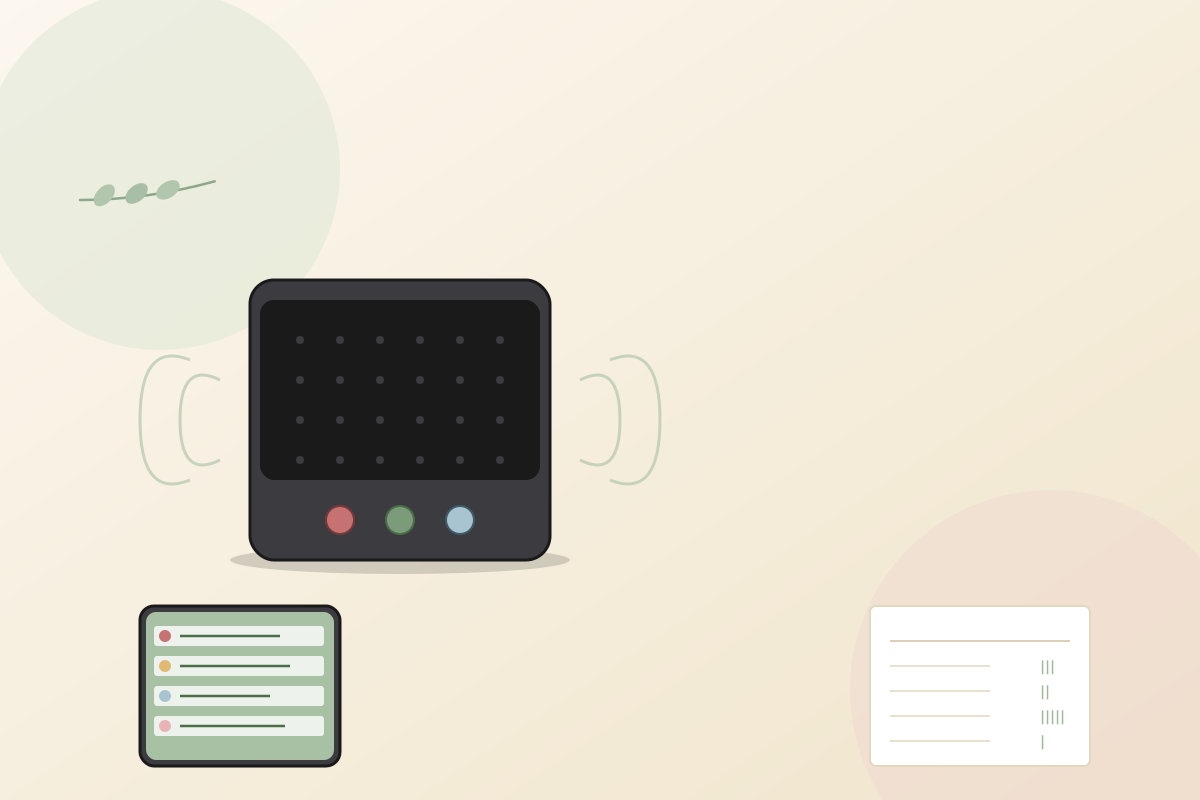
- A Spotify or Apple Music playlist of 15–20 nursery rhymes + Disney/kids songs (free to build)
- A Bluetooth speaker JBL Clip, Anker Soundcore, or any household speaker ($25 if you don't have one)
- A printed score sheet to track points (or a notes app on the host's phone)
- A 5-second timer (use your phone's stopwatch or a song-cue trick)
- A small prize for the high scorer ($20 gift card, candle, or wine bottle)
Before the shower (setup)
- About a week before the baby shower, build the playlist on Spotify or Apple Music both apps let you pause and resume at exact seconds easily, which beats YouTube. Mix song types across decades so every age group has a chance: classic nursery rhymes (Twinkle Twinkle Little Star, Old MacDonald, Hush Little Baby, The Itsy Bitsy Spider), Disney movie songs (Hakuna Matata, Let It Go from Frozen, Under the Sea), and current kids TV (Bluey theme, Baby Shark, Daniel Tiger). Aim for 15–20 songs total. Make the playlist private so guests can't sneak a peek.
- Pre-cue each song to the most recognizable 5-second clip. The first 5 seconds of a song are sometimes silent intro or just instrument; jump to the chorus or the iconic melodic line instead. Mark each cue point in your phone's notes so you can jump to it during the game without fumbling. Test the playlist out loud the day before make sure each song's cue is recognizable.
- About 30 minutes before guests arrive, set up a Bluetooth speaker on a side table near the seating area. JBL Clip, Anker Soundcore, or any household speaker works a phone speaker is too quiet for a crowded room. Test the volume; loud enough to hear across the room but not blowing out grandma's ears. Have the prize visible nearby a $20 Target or Trader Joe's gift card, a candle, or a bottle of wine for over-21 winners. Print the score sheet or open a notes app to track points.
How to play
Gather guests in a circle or U-shape around the speaker usually right after gifts as the closing high-energy round. Read the rules out loud: "I'm playing 5 seconds of each song. First person to shout the correct title scores a point. After 5 seconds, the song stops. We play 15 to 20 songs total. Highest score wins." Start the first song. The host's job is to pause the playback after exactly 5 seconds (use your phone's stopwatch or count out loud).
After each song, announce who got the point "Sarah, that's one for you!" and mark it on your score sheet. If nobody got it within 5 seconds, no point is scored for that song. Then move to the next one. The room gets louder as guests start beating each other to the punch. Mid-playlist, the room is shouting over each other and laughing at near-misses. That's the energy you want.
After all 15–20 songs are played, tally the score sheet. Highest count wins. If two guests tie, play one final tiebreaker song that wasn't in the original 20 first to shout wins. Hand the prize to the winner. Save the playlist file and share it with the parents afterward it doubles as a starter kid-music playlist for the baby's first year of music time.
Variations to try
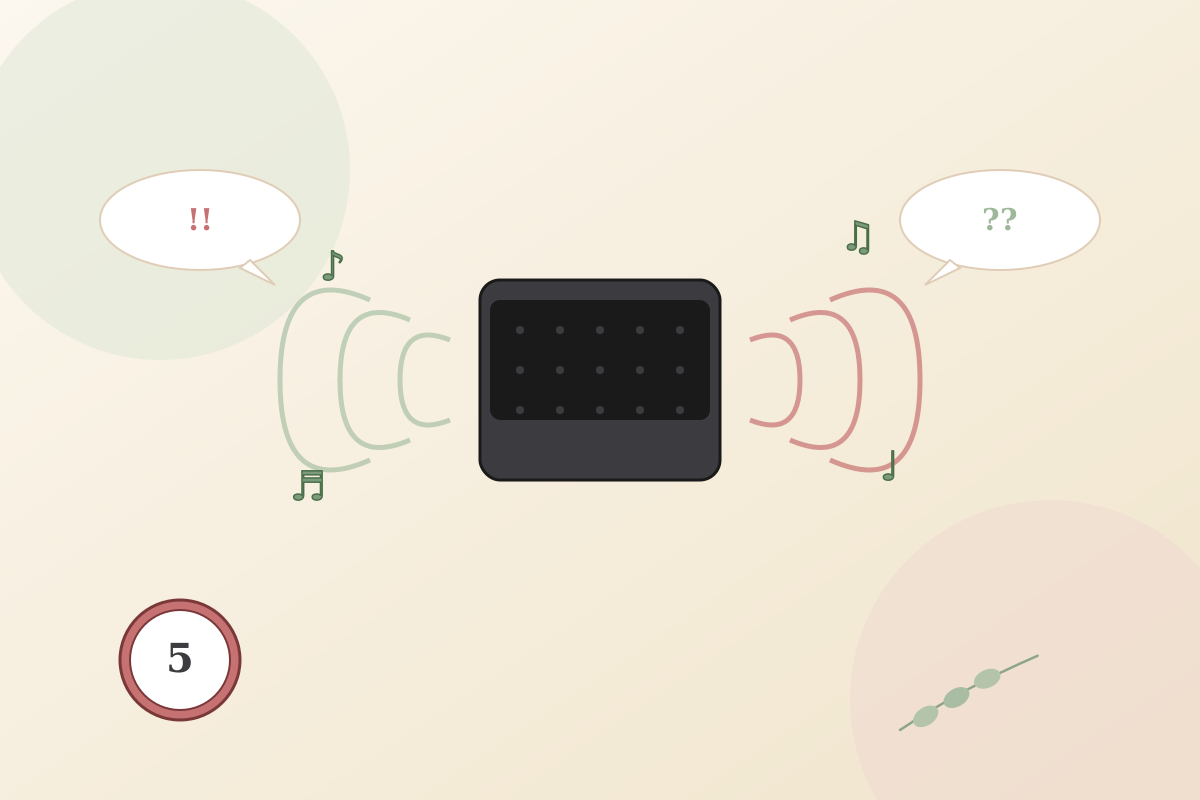
- Decade rounds. Group songs by decade 80s nursery rhymes, 90s Disney movies, 2000s kids TV (Dora, Sesame Street), 2020s (Bluey, CoComelon). Older guests do well on the older rounds; younger guests on newer. Balances the playing field.
- Hum-only version. Skip the speaker entirely. The host hums each song for 5 seconds. Cheaper to run, totally portable, and weirdly funnier when the host's humming is bad. Best for friend-group showers.
- Pair with [[songs-with-baby-in-title]]. Two music rounds back-to-back kids songs first, pop songs with "baby" in the title second (Bieber's "Baby," The Supremes' "Baby Love," etc.). Different feels, same high-energy format. About 30 minutes total.
- First-note version. Play only the first NOTE of each song, not the first 5 seconds. Brutal difficulty. Best for music-obsessed guest lists where someone has perfect pitch.
- Zoom version. Share your computer audio via Zoom screen-share (Mac: Share → Advanced → Music; Windows: similar). Guests shout responses in chat or unmuted. Slightly slower than in-person but works. Same scoring, same energy.
Pro tips from hosts who've actually run this
- Build the playlist on Spotify or Apple Music both let you pause and resume at exact seconds. Avoid YouTube (autoplay and ads break the flow).
- Pre-cue each song's 5-second mark. The first 5 seconds are sometimes silent intro; jump to the recognizable chorus or melody line.
- Mix difficulty. Three obvious songs (Twinkle Twinkle, Baby Shark) keep grandma engaged; 5 hard ones (deep-cut Disney songs) decide the actual winner.
- A real Bluetooth speaker beats a phone speaker. The 5-second clip needs to be clearly audible to everyone in the room.
- Run this round close to the end of the shower. The high-energy music game is a perfect closer before guests leave.
- Save and share the playlist with the parents afterward. It doubles as a starter music playlist for the baby's first year.
- Test the playlist the day before. Some songs have unrecognizable openings; swap them for ones with clearer hooks.
Common mistakes to avoid
- Building the playlist on YouTube. Ads, autoplay, and accidental clicks all kill the flow. Spotify or Apple Music only.
- Not pre-cueing songs. The first 5 seconds of "Let It Go" are wind noise, not the iconic chorus. Cue to the recognizable moment.
- Using only one decade of songs. All 80s songs leaves the under-30 crowd out; all 2020s songs leaves grandma out. Mix across decades.
- Phone speakers instead of a real Bluetooth speaker. 5-second clips need to be clearly audible across a room.
- Running this game at the start of the shower. The energy is too high for arrivals; save it for the closing round.
Best prize for this game
Match the music-energy theme with a music-friendly prize a $20 Spotify or Apple Music gift card (perfect for the music-game winner), a $20 Target or Trader Joe's gift card, a candle from Yankee Candle, or a bottle of wine for over-21 winners. Wrap it visibly near the speaker so guests see what they're competing for as the playlist starts.
Our verdict
Music-led games light up rooms in a way printables never do this one always closes the baby shower on high energy. Pair with [[songs-with-baby-in-title]] for a 30-minute music games block.
Name That Baby Tune FAQ
How many songs should the Name That Baby Tune playlist have?
15 to 20 songs is the sweet spot. Fewer than 15 and the round ends in 5 minutes; more than 20 and energy crashes by song 17. Stick with 15 for older crowds, 20 for younger or trivia-loving ones.
What's the right clip length per song?
Five seconds is the standard. Three is brutal; ten makes the game too easy because the chorus has time to play. Five seconds forces guests to recognize from the iconic melodic hook, which is the fun of the game.
Does this work for older relatives who don't know modern kids songs?
Yes if you mix decades. Five classic nursery rhymes from the grandparents' era, 5 Disney songs from the parents' era, 5 from current kids TV. The even mix keeps every age group engaged and competitive throughout the round.
Can I run Name That Baby Tune on Zoom?
Yes share your computer audio via Zoom (Mac: Share Screen → Advanced → Computer Audio; Windows: similar setting). Guests shout in chat or unmuted. Slightly slower than in-person but works for distributed family showers.
How long does this baby shower game take?
About 15 minutes 15 to 20 songs at 5 seconds each plus the response time, scoring beats, and the closing tiebreaker. Don't try to drag it; the energy peaks around song 12 and you want to ride that out, not extend past it.
Is Name That Baby Tune good for a coed baby shower?
Yes one of the best coed picks because music transcends gender and age. The dads, brothers, and uncles all know Disney songs better than they admit, and the surprise of grandma knowing every Bluey episode also lands. Strong all-ages game.
Similar baby shower games
-
Don’t Say "Baby" →
Hand every guest a clothespin at the door. One rule don't say the word "baby" all party. Slip up and the person who caught you swipes your pin. Most pins at the end wins.
-
Who Knows the Mom-to-Be Best? →
A ten-question quiz about the mom-to-be. Guests scribble their guesses, she reveals the real answers (and the stories behind them), and the highest score takes the prize. The inside-her-life stories are the real payoff.
-
The Price Is Right: Baby Edition →
Line up 6 to 8 real baby products with the price tags hidden. Guests write their guess for each. Closest without going over wins and the mom-to-be takes everything home.
-
How Old Was Mom (or Dad)? →
Eight numbered photos of the mom-to-be (or dad-to-be) lined up on a poster baby, kindergarten, age 10, awkward 13, prom, college, every life chapter. Guests guess her age in each one. Closest total wins, and the poster gets framed and hung in the nursery.
Browse by category
About the author
Lauren Whitaker is the founding editor of Best Baby Shower Games. A former Minneapolis event coordinator and mom of two, she has planned, hosted, or guested at more than 40 baby showers over the past decade. Every game on the site is one she has tested at a real shower before it earns a spot.