✍️ Lauren Whitaker · Updated May 2026
Photo Booth Scavenger Bingo
A 4x4 bingo card filled with photo prompts. Selfie with a grandparent, candid of the cake being cut, group shot with the dad-to-be wearing a bib. First guest to fill the card wins, and the parents end up with 200 photos they didn't have to take.
- 🏃 Active
- ✅ Crowd-pleaser
- 🍷 Coed-friendly
- ⏱ Prep
- 15 min
- 👥 Best for
- 10–30 guests
- 🍷 Coed
- Yes
- 📹 Virtual
- Works on Zoom
What you'll need
- 16-square photo bingo cards print 1 per guest at home or at FedEx Office for $0.25 each
- Pens a 12-pack from Target or Walmart, around $4
- A shared photo album set up ahead of time (Google Photos, Apple Shared Album, or Dropbox)
- A QR code linking to the album, printed on the front of every card
- 1 named prize for the winner (a $25 Target gift card or a small Anthropologie candle)
Before the shower (setup)
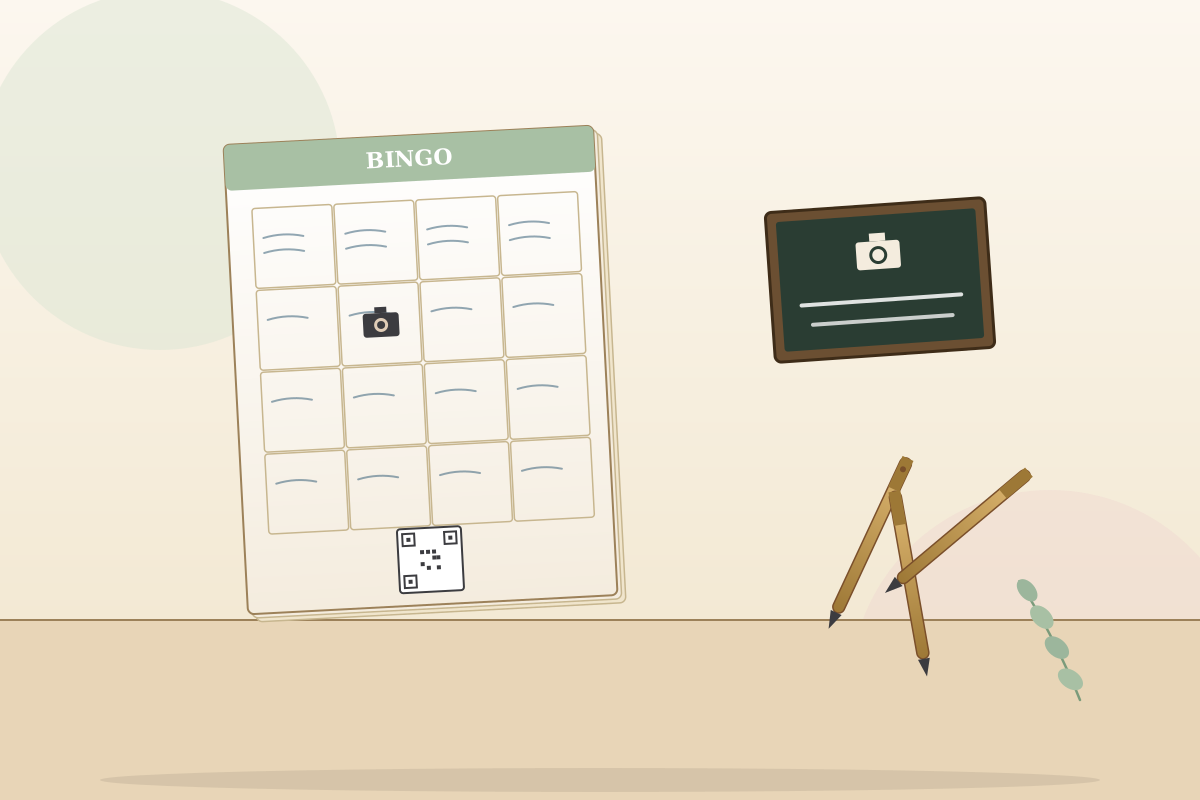
- A week before the shower, design your photo booth bingo card. Make it a 4x4 grid (16 squares). Mix easy prompts with two or three trickier ones so the card takes real effort. Easy: photo of the cake, selfie with the mom-to-be, photo of the gift table, group shot with three guests. Trickier: dad-to-be wearing a bib, grandma holding the doll, both parents-to-be laughing in the same frame, baby's first onesie out of the gift box. Use Canva search baby shower bingo template, swap the words for your prompts, export as PDF.
- Set up the shared album the night before. Google Photos shared albums are the easiest path open Google Photos on your phone, tap Sharing, create the album, copy the link. Apple Shared Albums work great if every guest is on iPhone, but they fail silently when an Android user tries to upload. Dropbox is a fine fallback. Generate a QR code for the album link at qr-code-generator.com (free), drop it on the front of the bingo card next to the prompts. Test the link from one phone you don't own if it doesn't open in one tap, fix it before printing.
- Print one card per guest plus three extras for late arrivals. FedEx Office runs prints for around 25 cents each on color cardstock. At the shower, set the cards in a small basket by the door with a stack of pens. Tape one large-format card to the wall by the food table so guests can re-read the prompts without digging out their own. Put a pen on every table too guests check off boxes as they go, and a pen-hunt mid-party kills the momentum.
How to play
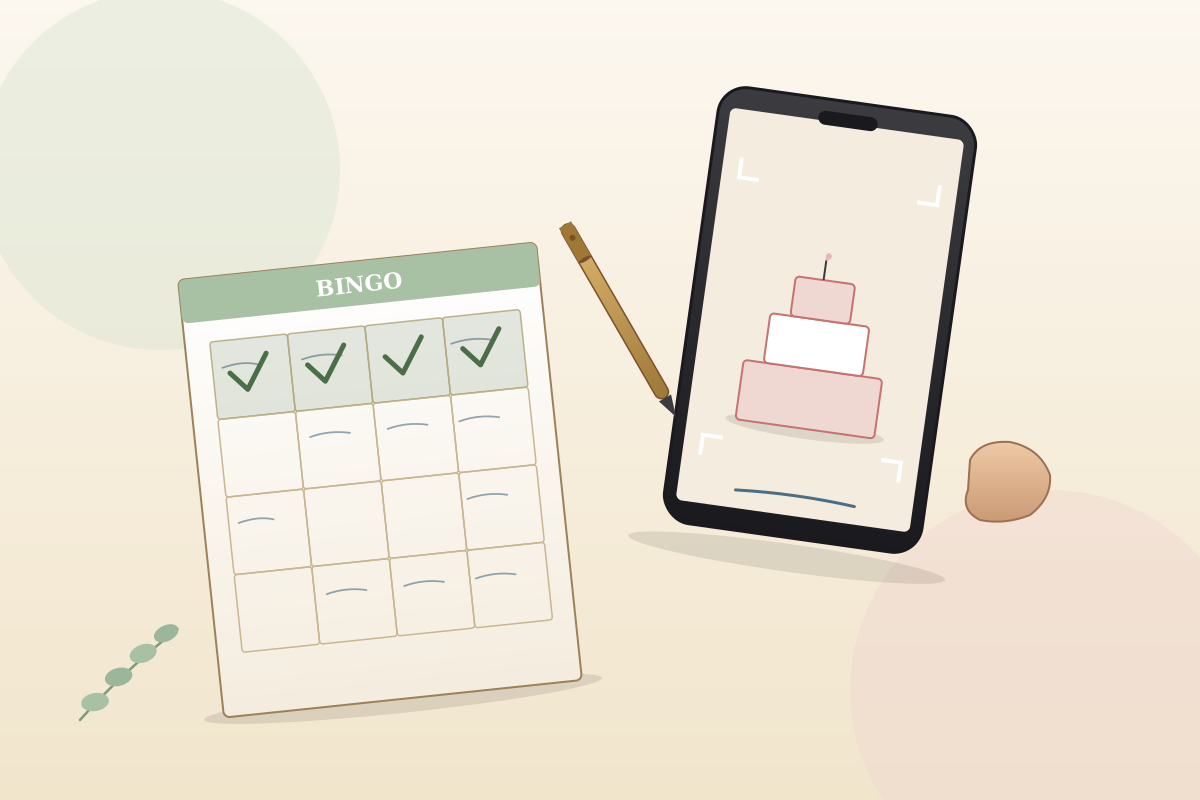
As guests arrive, hand them a photo bingo card and a pen and walk them through the rules in 15 seconds. Take a photo for each prompt anytime during the baby shower. Scan the QR code to upload to the shared album. Check off the box on your card once the photo is uploaded. First to fill a full row, column, or diagonal yells bingo. First to fill the full 16-square card wins the grand prize. The card runs in the background of the whole party guests don't have to set anything aside.
About 30 minutes into the shower, walk around once and remind guests the game is on. Most people forget by then because they're chatting. A quick wave of the card and a one-line plug bingo's running, the album's filling up, somebody's already got two rows usually re-energizes the room. The mom-to-be does not play. She gets to be the subject of half the prompts, and chasing her own bingo at her own shower is no fun.
Call the winner at gift-opening or right before cake. Whoever has the most boxes checked at that moment wins. Tie? The first guest to upload a photo of the entire group, including the photographer, takes it. Hand the prize over right then so nobody has to track you down. After the party, send the mom-to-be the album link in a text. She'll have hundreds of photos she didn't have to take, and the photo every shower group ends up sharing in the group chat afterward is in there somewhere.
Variations to try
- Team bingo. Tables compete instead of individuals. Each table fills one shared card. Better for crowds over 25 the room gets loud and tables actually start sabotaging each other's photo plans.
- Combine with Find the Guest Bingo. Each square names both a person and a photo prompt selfie with someone wearing yellow, photo with the cousin who flew in. Pairs nicely with [[find-the-guest-bingo]] for a longer bingo block at a 30-plus guest shower.
- Polaroid version. Hand out two disposable Polaroid cameras and a printed bingo card per guest. Guests stick the Polaroid to the matching square. Beautiful at boho or sentimental showers, but the cards cost $15 each from Amazon. Save it for small guest lists.
- Solo speed round. Cut the card to nine squares and run a 30-minute timer. Fastest guest to fill the card wins. Fits a tight schedule and works well for a brunch shower where the party itself is short.
- Zoom version. Instead of in-person photos, guests take screenshots of moments during the Zoom somebody crying, the mom-to-be opening a gift, the host laughing. Upload to a shared Google Photos album. Surprisingly fun once the first awkward screenshot lands.
Pro tips from hosts who've actually run this
- Set up the shared album the night before, not the morning of. Google Photos sharing can take a minute to propagate you don't want to be debugging it at 11am while guests arrive.
- Print the QR code big enough to scan from across a room at least 1.5 inches square. Tiny QR codes fail to scan and the game stalls.
- Pick prompts that involve other guests, not just objects. A selfie with grandma builds the album way faster than a photo of the gift table.
- Slip in one bonus square a final group photo at the cake and announce it at the start. Guarantees you get the one shot every shower needs.
- If guests are mixed iPhone and Android, use Google Photos. Apple Shared Albums quietly drop Android uploads and you won't notice until it's too late.
- Have a backup album service ready (Dropbox link printed on the back of the card) in case Google Photos has a regional outage. Rare, but it happens.
- After the party, download the full album as a zip and burn it to a thumb drive for the grandparents. They'll cry. It's the cheapest five-star gift you'll ever give.
Common mistakes to avoid
- Untested QR code on the card. Half the guests can't upload and the album stays empty. Test the QR with a phone you don't own before printing.
- Apple Shared Album with mixed-device guests. Android uploads silently fail. Use Google Photos for any mixed crowd.
- Too many hard prompts. If three squares need the dad-to-be doing something specific, nobody bingos and the game dies. Mix four or five hard ones with twelve easy ones.
- No mid-party reminder. Guests forget the game exists by the time appetizers wrap. One quick walk-around plug at the 30-minute mark fixes it.
- Asking the mom-to-be to play. She becomes a subject of the photos, not a player. Tell her ahead of time so she doesn't try to fill her own card.
Best prize for this game
Make it photo-themed if you can. A $25 gift card to FreePrints or Shutterfly so the winner can print their own pictures works great. A small Polaroid camera from Target ($60) is a step up if your budget allows. Easier picks that always land: a $25 Target gift card, a Bath & Body Works gift set, or a nice candle from Anthropologie. Display the prize on the food table during the party so guests can see what they're aiming for.
Our verdict
Solves the no-one-took-photos-at-the-shower problem at the same time as being a game. The mom-to-be wakes up the next morning with hundreds of candids she would never have gotten otherwise.
Photo Booth Scavenger Bingo FAQ
How does the photo booth bingo baby shower game work?
Each guest gets a 4x4 bingo card filled with photo prompts. They take photos during the party that match each prompt and upload them to a shared album. First to fill a row, column, or full card wins. The card runs in the background of the whole party so it doesn't interrupt anything.
How do guests share photos during photo bingo?
Set up a Google Photos shared album the night before, generate a QR code for the link, and print the QR code on the bingo card. Guests scan the code with their phone camera and upload directly. Skip Apple Shared Albums if your guest list is mixed iPhone and Android.
How many prompts should be on a photo bingo card?
Sixteen squares (a 4x4 grid) is the sweet spot. Twenty-five (5x5) is too many to fill in a 2-3 hour party. Nine squares is too few guests bingo in 20 minutes and the game is over.
How long does photo booth bingo take to play?
It runs in the background of the entire baby shower. Most guests bingo by gift-opening time. Call the final winner at cake or right before guests start leaving.
Can you play photo booth bingo on Zoom?
Yes guests take screenshots of moments during the call instead of physical photos. Upload to a shared Google Photos album. Works best with a small Zoom group (8 to 15 guests) where the screenshots have personality.
What if some guests don't have smartphones at the baby shower?
Pair them with another guest as a team. Or hand out one disposable Polaroid camera between two guests as a backup. Most baby shower crowds are 95 percent smartphone these days, but grandma is usually the exception worth planning for.
Similar baby shower games
-
Don’t Say "Baby" →
Hand every guest a clothespin at the door. One rule don't say the word "baby" all party. Slip up and the person who caught you swipes your pin. Most pins at the end wins.
-
Who Knows the Mom-to-Be Best? →
A ten-question quiz about the mom-to-be. Guests scribble their guesses, she reveals the real answers (and the stories behind them), and the highest score takes the prize. The inside-her-life stories are the real payoff.
-
The Price Is Right: Baby Edition →
Line up 6 to 8 real baby products with the price tags hidden. Guests write their guess for each. Closest without going over wins and the mom-to-be takes everything home.
-
How Old Was Mom (or Dad)? →
Eight numbered photos of the mom-to-be (or dad-to-be) lined up on a poster baby, kindergarten, age 10, awkward 13, prom, college, every life chapter. Guests guess her age in each one. Closest total wins, and the poster gets framed and hung in the nursery.
Browse by category
About the author
Lauren Whitaker is the founding editor of Best Baby Shower Games. A former Minneapolis event coordinator and mom of two, she has planned, hosted, or guested at more than 40 baby showers over the past decade. Every game on the site is one she has tested at a real shower before it earns a spot.