✍️ Lauren Whitaker · Updated May 2026
Baby Shower Kahoot Quiz
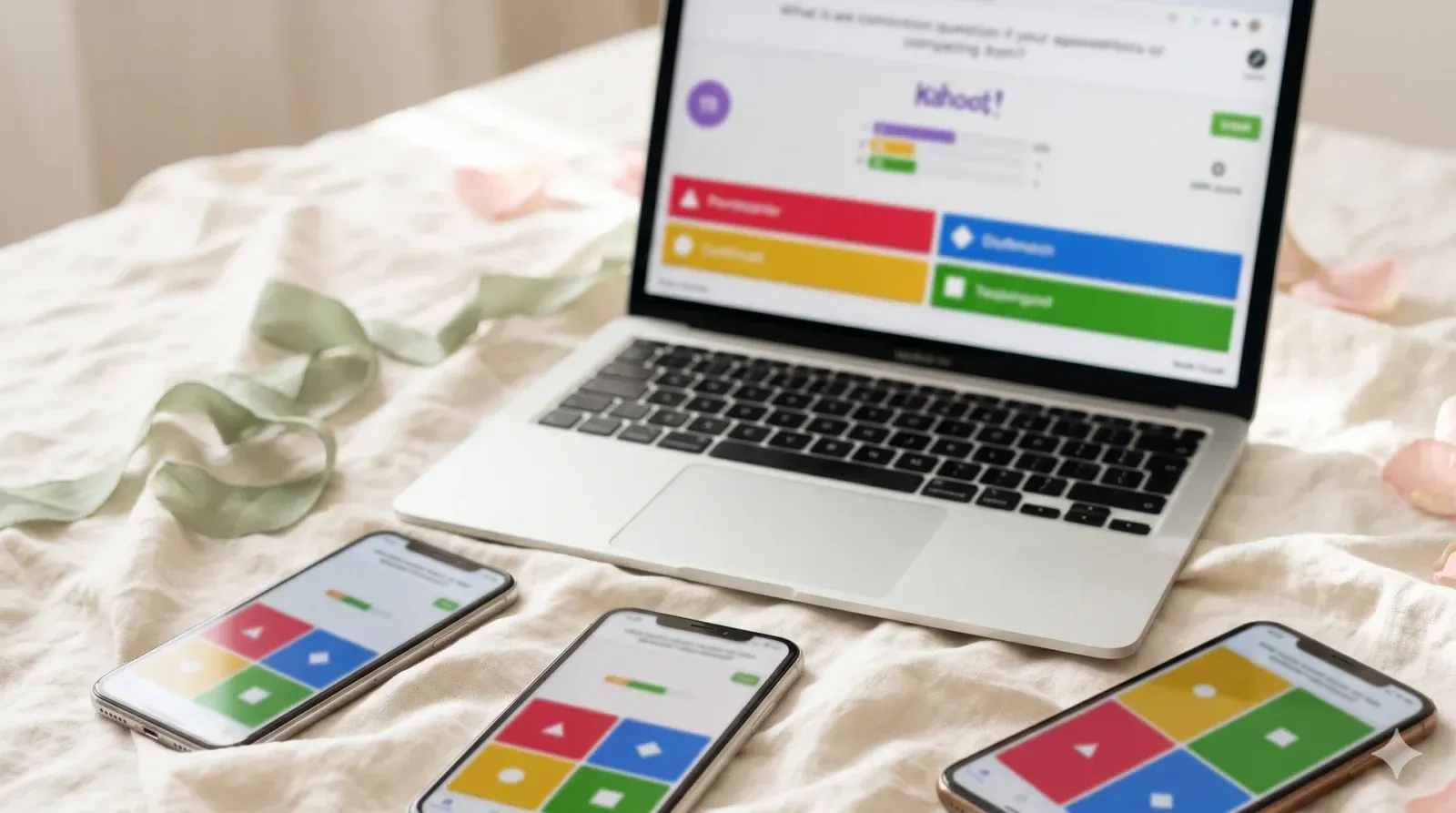
Build a 15–20 question Kahoot quiz about babies, parenting, and the mom-to-be. Project the game on a TV. Guests join on their phones with a 6-digit PIN. Real-time leaderboard, sound effects, and a podium-style top-3 reveal at the end.
- 📹 Works on Zoom
- ✅ Crowd-pleaser
- 🍷 Coed-friendly
- ⚡ Quick
- ⏱ Prep
- 30 min+
- 👥 Best for
- 8–40 guests
- 🍷 Coed
- Yes
- 📹 Virtual
- Works on Zoom
What you'll need
- A Kahoot account at kahoot.com free tier covers 10 players, Kahoot+ Family is $9.99/month for up to 20 players
- A laptop running Chrome or Safari with a steady Wi-Fi connection
- A TV with HDMI input or a Roku stick alternatively, mirror via Apple TV or Chromecast
- Guest phones (everyone scans the PIN; no app required if they use kahoot.it in browser)
- Three small wrapped prizes for the top 3 finishers
- A printable PIN sign on cardstock for guests who arrive late
Before the shower (setup)
- Build the baby shower Kahoot quiz baby shower game a week before. Sign up at kahoot.com free tier covers 10 players, the $9.99 Kahoot+ Family tier covers 20. Click "Create," then "New kahoot." Write 15–20 multiple-choice questions, four answers per question, one correct. Mix general baby trivia ("What week is full-term?"), pop-culture babies ("Which sitcom couple named their baby Emma?"), and at least 5 questions about the mom-to-be ("What was she like as a baby?" get answers from her mom). Save and pre-test once with your phone.
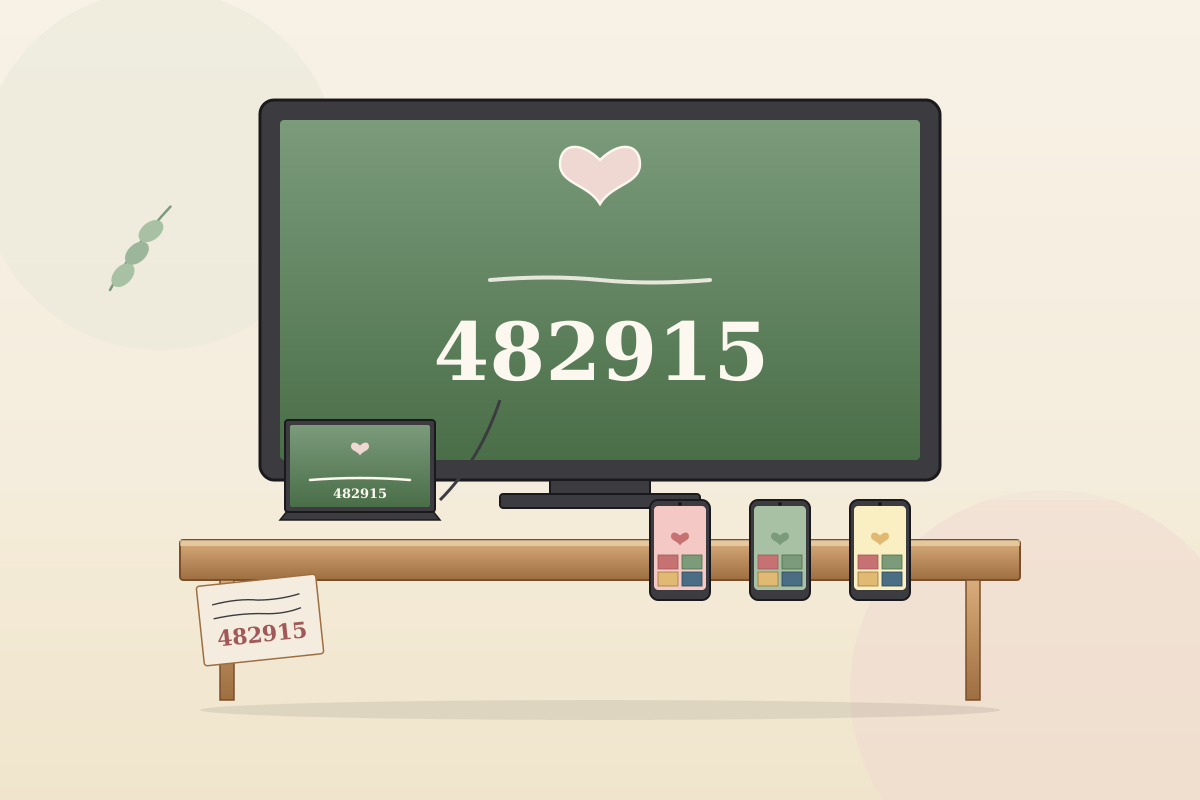
- Two days before the shower, check the TV connection. HDMI from laptop to TV works best Wi-Fi mirroring can lag. If you're hosting in a place you've never streamed at, test the entire setup the day before. Print a small cardstock card with the words "Open kahoot.it on your phone" and a blank space where you'll write the PIN in Sharpie at the start of the game.
- Morning of the shower, charge the laptop fully, run kahoot.com once to confirm login, and clear any browser extensions that could interrupt. Have the quiz queued up on the TV before guests arrive the brand colors and animations on screen draw curiosity immediately. Print a backup PIN sign and tape it near the snack table.
How to play
About 60 minutes into the shower, gather everyone in the main room with the TV in view. Open the baby shower Kahoot quiz baby shower game in "Classic" mode and a 6-digit PIN appears on the screen. Tell guests: "Pull out your phones, go to kahoot.it, type the PIN, and use your real name." Wait until at least 80% of guests have joined names pop up on the screen as they sign in. Late arrivals can join mid-quiz at any time.
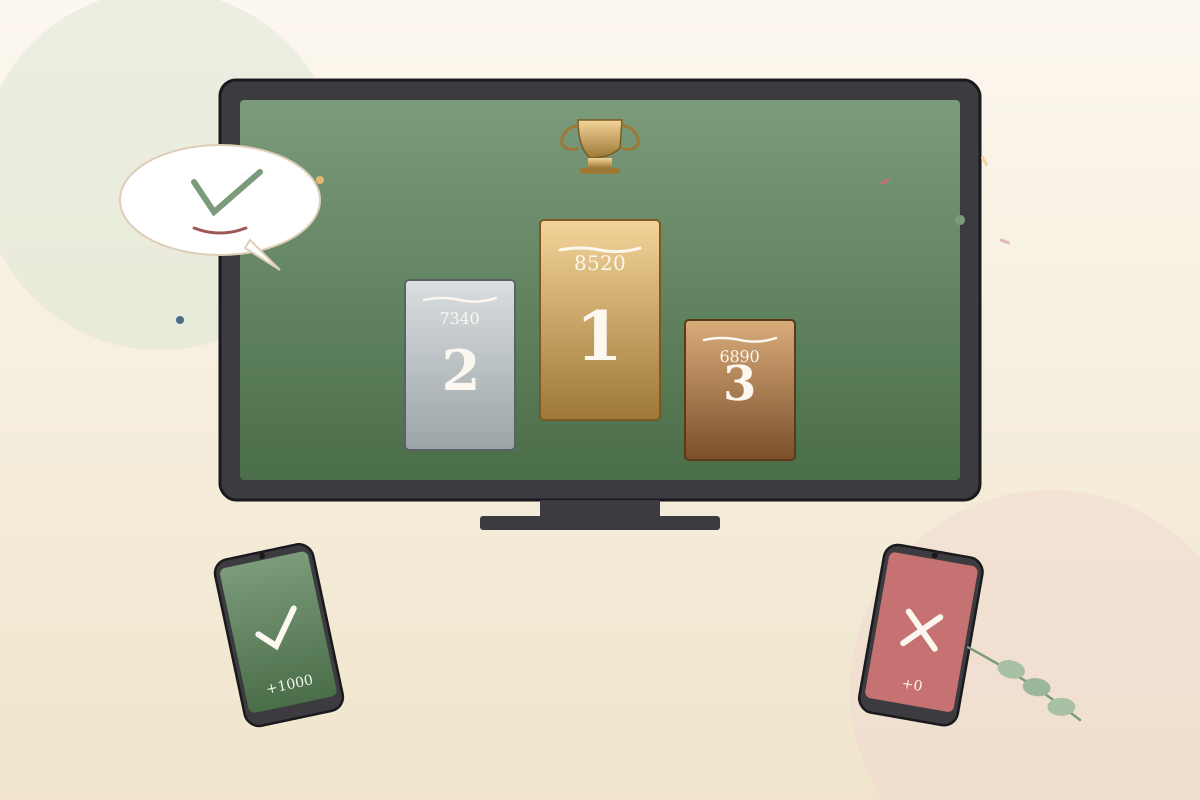
Hit "Start." Each question appears on the TV for 20–30 seconds. Guests tap the matching color/shape on their phone to answer. Faster correct answers score more points Kahoot's dramatic music and on-screen timer are the whole vibe. After each question, the leaderboard updates in real time and the top 5 names flash on the screen. Pause for groans, laughter, and the inevitable "how did grandma get that one?" reaction.
After all 20 questions, Kahoot reveals the top 3 with a podium animation and trumpet sound. The dad-to-be is almost always shocked by who actually won usually a cousin who has not slept since college. Hand out the three prizes immediately. Save the quiz file so the next shower in your friend group can reuse it with new questions about a different mom-to-be.
Variations to try
- Couples teams. Pair every guest with a partner; one phone per pair. Cuts the on-screen leaderboard chaos in half and adds a collaboration element. Great for coed showers where partners came together.
- Game-show block. Pair with [[baby-shower-jeopardy]] or [[baby-trivia-game-show]] for a back-to-back game-show hour. Kahoot kicks off, Jeopardy closes. Total runtime around 45–60 minutes.
- Speed round at the end. After the main 15-question round, run a 5-question speed round where each question only stays up for 10 seconds. The chaos and reactions are the funniest part of the whole game.
- Mom-to-be only quiz. Skip generic trivia. All 20 questions are about the mom-to-be favorite snacks during pregnancy, what she was like as a teenager, baby names she vetoed. Get the answers from her mom or her sister beforehand.
- Zoom version. Share your screen with the Kahoot host view in Zoom. Remote guests pull out their phones and play the same way. It works exactly like the in-person version. One of the best virtual baby shower games available.
Pro tips from hosts who've actually run this
- Free Kahoot maxes at 10 players. For 11+ guests, pay $9.99 for one month of Kahoot+ Family and cancel after the shower.
- Use a TV, not a laptop screen. The leaderboard is the whole vibe and a small screen kills the moment.
- Pre-test the quiz once before the shower. Typos on screen and wrong-answer keys are common when you build under time pressure.
- Mix question types 5 about the mom-to-be, 5 general baby trivia, 5 pop-culture babies, 5 partner-and-friend trivia. Keeps the round fresh.
- Set the question timer to 20–25 seconds per question. Less than 15 feels rushed; more than 30 drags.
- Disable answer streaks bonus if you want a more even leaderboard Kahoot's default rewards speed, which favors the fastest typer in the room.
- Save the quiz file. Every shower in your friend group can reuse it with edited questions no rebuild required.
Common mistakes to avoid
- Using the free tier with 11+ guests. Half the room can't join and the energy collapses. Pay for Kahoot+ if the group is bigger.
- Skipping the Wi-Fi test. A laggy laptop kills the game-show feel. Pre-test the day before from the same room.
- Building the quiz the morning of the shower. Typos and wrong-answer keys creep in under pressure. Build a week ahead.
- Only asking generic trivia. Without 5+ mom-to-be questions, the game feels like a pub quiz instead of a baby shower.
- Forgetting to print a PIN sign. Late arrivals never figure out how to join unless the PIN is visible somewhere off-screen.
Best prize for this game
Three small wrapped prizes for the top 3. A $25 Target gift card for 1st, a $15 Starbucks gift card for 2nd, and a fancy candle or Bath & Body Works gift set for 3rd. For an on-theme touch, gift the winner a $25 Kindle Unlimited subscription or a Bookshop.org gift card perfect for a parenting-book deep dive. Wrap each prize and stack them on the side table where the leaderboard is visible.
Our verdict
The baby shower Kahoot quiz baby shower game is the easiest way to entertain a 20-person room. Real-time leaderboard, dramatic top-3 reveal, and it scales from coed party to virtual shower without changing a single question.
Baby Shower Kahoot Quiz FAQ
How do I run a baby shower Kahoot quiz baby shower game?
Build a 15–20 question multiple-choice quiz at kahoot.com a week before the shower. Project the quiz on a TV from a laptop. Guests join on their phones with a PIN at kahoot.it. Each question shows for 20–30 seconds and a live leaderboard updates after every round. Top 3 win prizes at the end. Plan 25 minutes of game time.
Do guests need to download the Kahoot app?
No they can play in any phone browser at kahoot.it or download the free Kahoot app. Browser works perfectly for older guests who don't want to install anything. Tell them which option you prefer in your initial intro.
How many questions should the Kahoot quiz have?
Fifteen to twenty. Fewer than 12 finishes in 10 minutes and feels short; more than 22 drags past the attention span. Mix 5 mom-to-be specific, 5 general baby trivia, 5 pop-culture babies, and 5 friends/family questions.
Is the Kahoot quiz baby shower game good for big groups?
Yes Kahoot is built for classrooms and scales beautifully to 30–40 players. It's one of the best baby shower games for big groups because the live leaderboard keeps everyone engaged. For 11+ players you'll need Kahoot+ Family ($9.99/month cancel after the shower).
Can older guests play the Kahoot quiz?
Yes the interface is large color buttons designed for kids in classrooms. Grandma will figure it out as long as her phone is in airplane-mode-off and on Wi-Fi. Help her join the first round and she'll be racing to the leaderboard by question three.
Can I run the baby shower Kahoot quiz on Zoom?
Yes share your screen with the Kahoot host view in Zoom and remote guests play on their phones. It works exactly like the in-person version and is one of the easiest virtual baby shower games to run for remote family.
Similar baby shower games
-
Don’t Say "Baby" →
Hand every guest a clothespin at the door. One rule don't say the word "baby" all party. Slip up and the person who caught you swipes your pin. Most pins at the end wins.
-
Who Knows the Mom-to-Be Best? →
A ten-question quiz about the mom-to-be. Guests scribble their guesses, she reveals the real answers (and the stories behind them), and the highest score takes the prize. The inside-her-life stories are the real payoff.
-
The Price Is Right: Baby Edition →
Line up 6 to 8 real baby products with the price tags hidden. Guests write their guess for each. Closest without going over wins and the mom-to-be takes everything home.
-
How Old Was Mom (or Dad)? →
Eight numbered photos of the mom-to-be (or dad-to-be) lined up on a poster baby, kindergarten, age 10, awkward 13, prom, college, every life chapter. Guests guess her age in each one. Closest total wins, and the poster gets framed and hung in the nursery.
Browse by category
About the author
Lauren Whitaker is the founding editor of Best Baby Shower Games. A former Minneapolis event coordinator and mom of two, she has planned, hosted, or guested at more than 40 baby showers over the past decade. Every game on the site is one she has tested at a real shower before it earns a spot.